
Paysum is a hosted platform for selling digital products - license keys, files, Discord roles and more - with automated delivery, card, PayPal and crypto payments, custom domains and fraud protection. These docs cover running a store from the dashboard and integrating it with your own systems through the API.
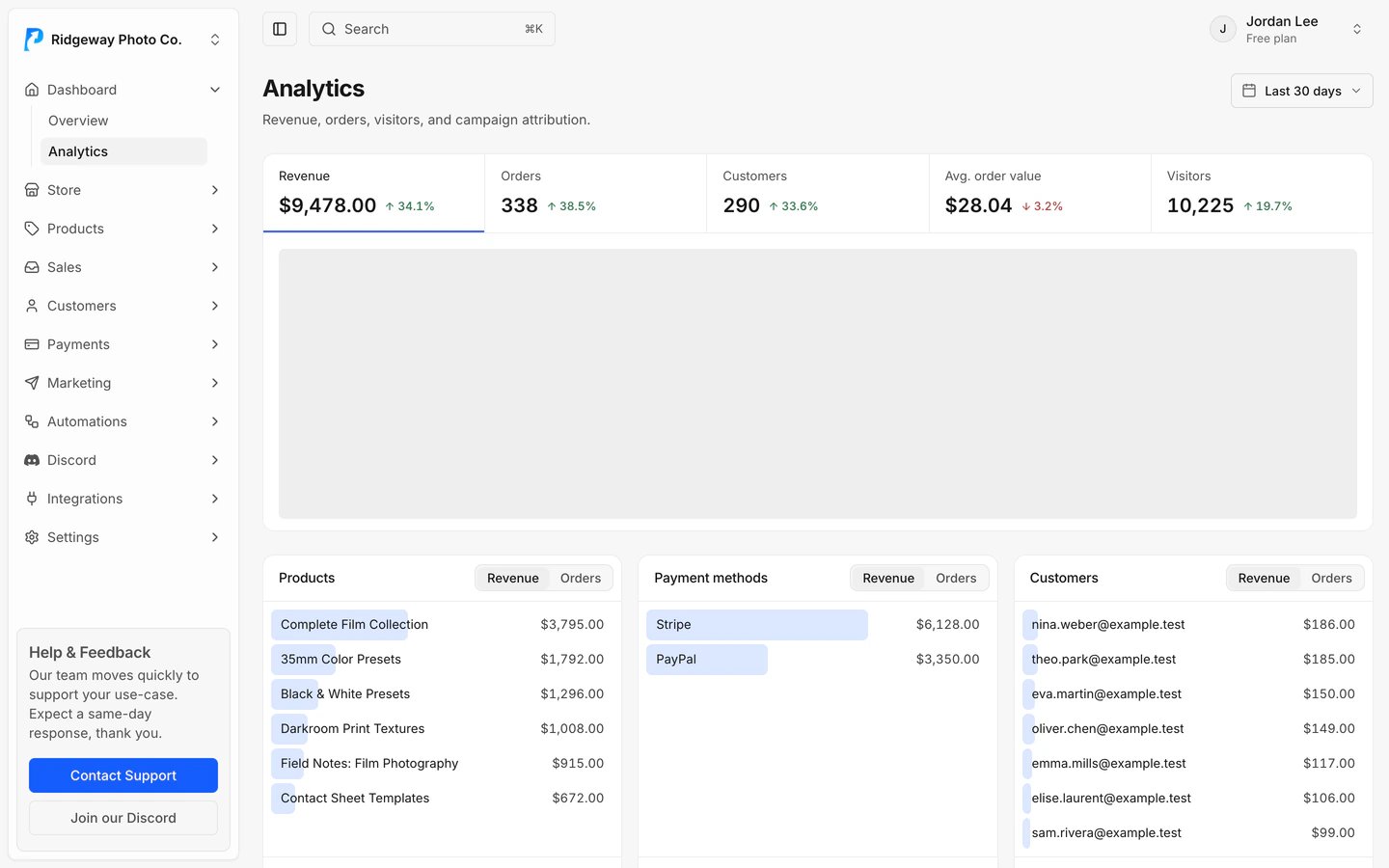
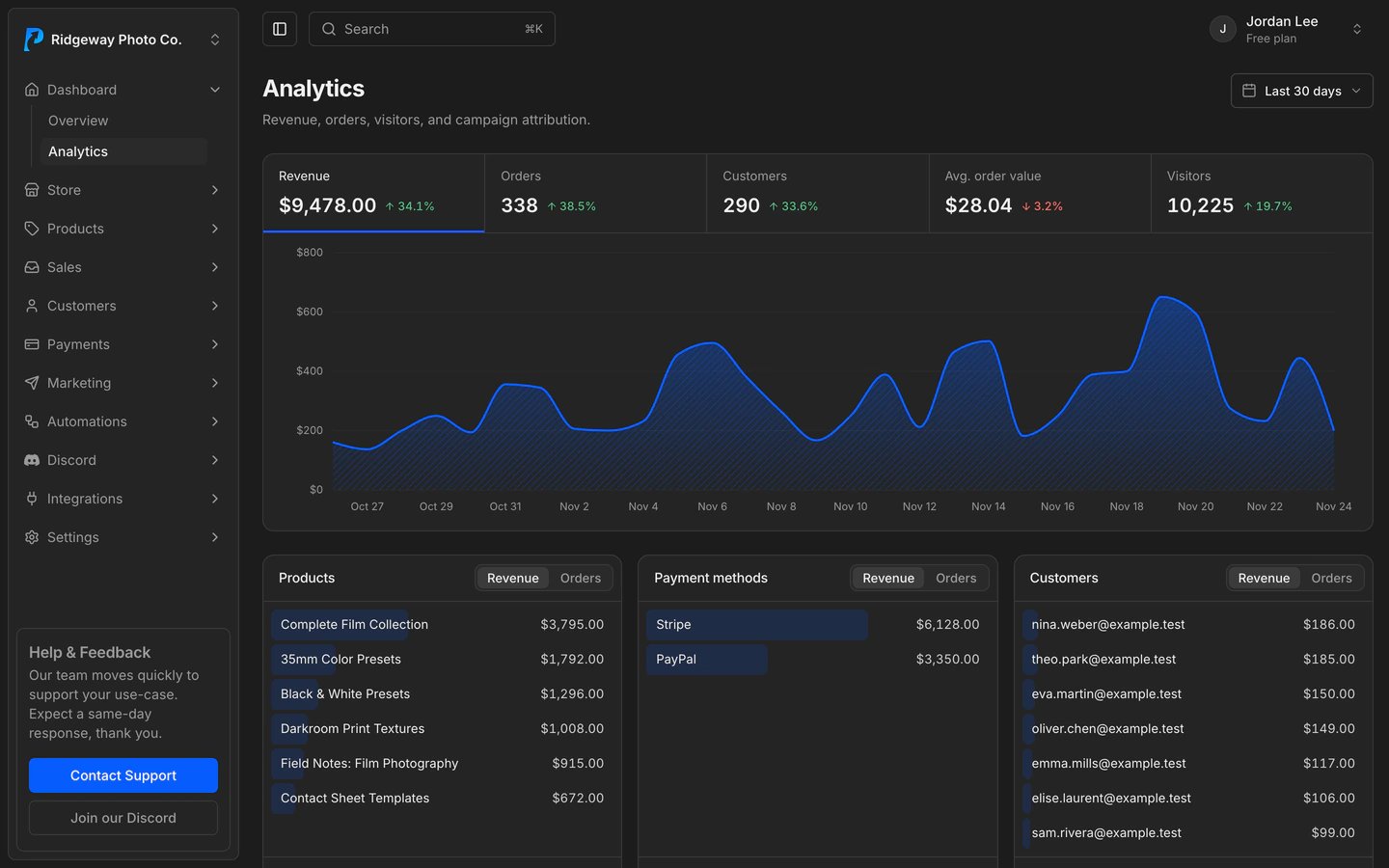
Sales and storefront traffic in the PaySum dashboard. This example uses sample store data.
Start with your store
Create your first store
Name your shop, add a product, connect payments, and test the buyer’s journey.
Products and delivery
Set up variants, keys, downloads, and the information customers receive.
Connect payments
Configure the payment methods that work for your store and products.
Make it yours
Choose a theme, customize your storefront, and connect a domain.
Build on Paysum
Preview the checkout embed
Try the real modal checkout, appearance settings, languages, and copy button code.
API reference
Explore supported endpoints, examples, errors, and the OpenAPI specification.
Hosted checkout
Create checkout sessions on your server and send buyers to payment.
Theme CLI
Edit your storefront in your own editor with a live preview, then publish.
MCP server
Let AI assistants manage products, coupons and your theme with a scoped key.
What the API covers
The public API is organised by resource, each unlocked by its own key permission:
- Store API - products, orders, customers, coupons and theme code for the store the key belongs to.
- Checkout sessions - create hosted checkouts for custom line items or products in your store, then track or cancel them.
- Withdrawals - read crypto wallet balances and send payouts to external addresses.
- Customer balance - look up customers and credit or debit their store balance.