
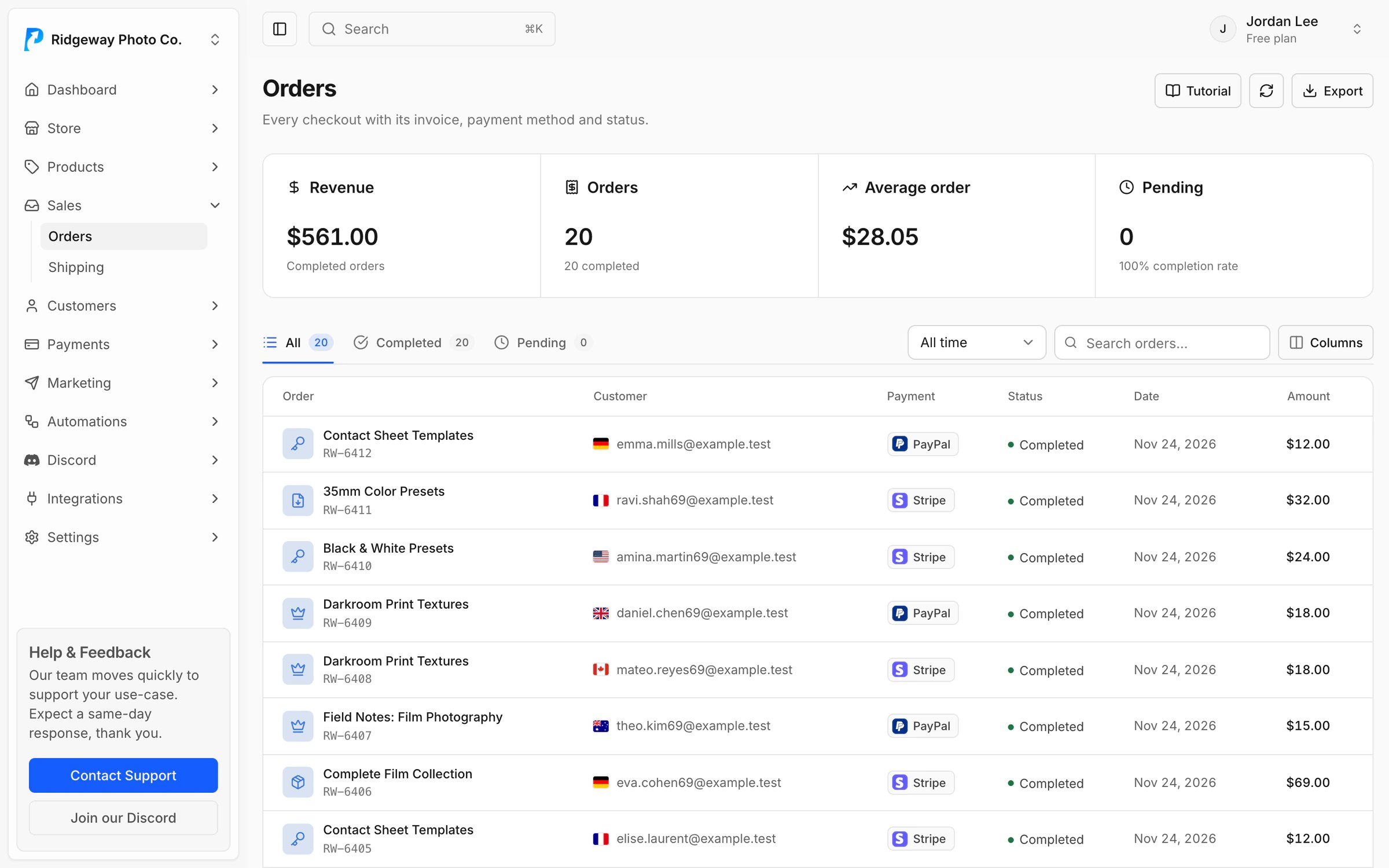
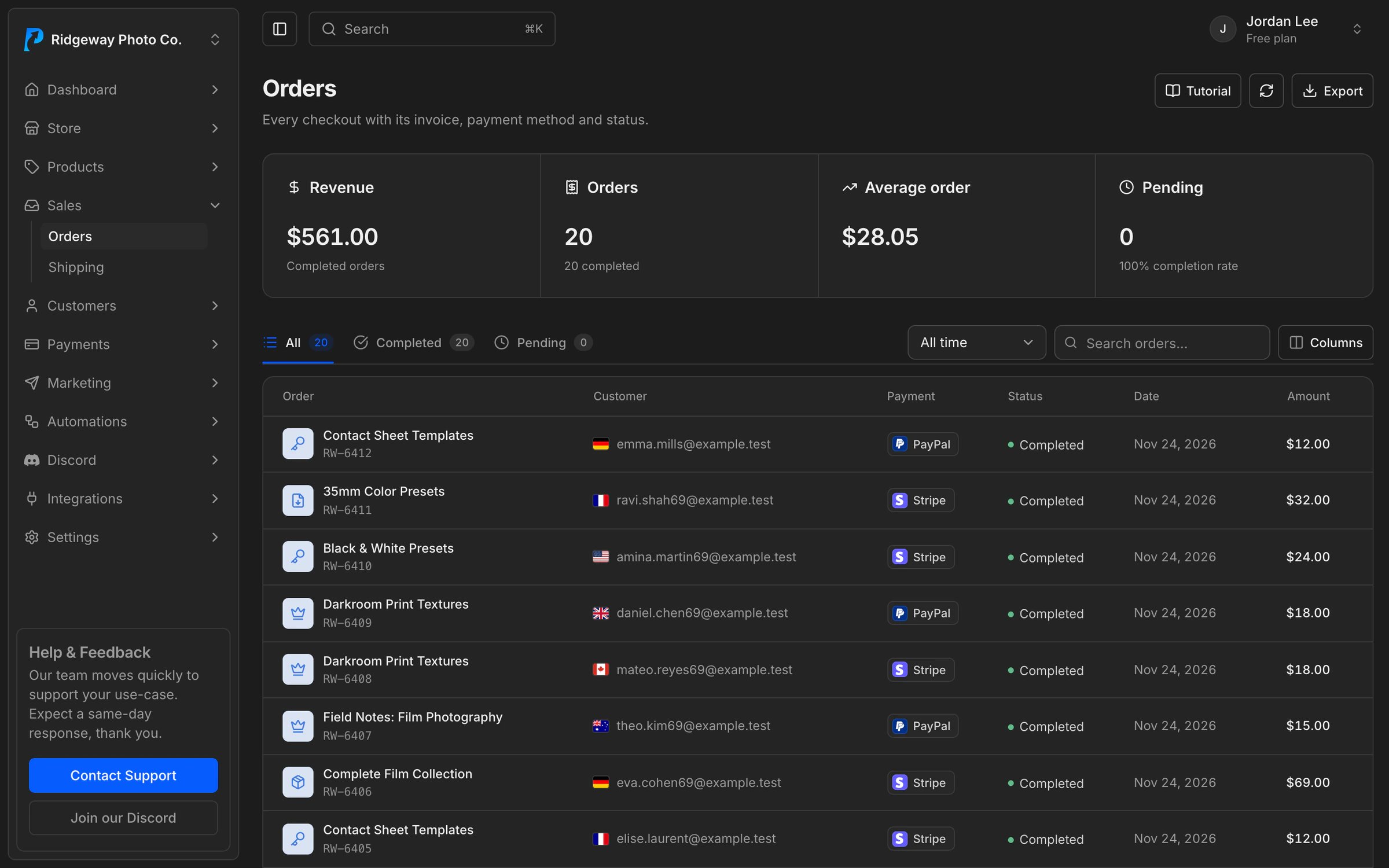
The Orders page for a sample store.
Set it up
1
Find the order
Open Core → Orders and search using the order reference or buyer details.
2
Inspect the status
Distinguish an unpaid order from one awaiting confirmation or already completed. Check the matching provider transaction when needed.
3
Review the purchased items
Check the product, variant, quantity, buyer email, and delivery information saved with the order.
4
Handle the actual issue
For payment issues, verify the provider record. For delivery issues on a paid order, inspect product delivery and stock before resending goods.
Keep useful references
An order reference and provider transaction reference are more useful than a screenshot of a return page. Include the time and timezone when reporting a transaction that cannot be found.Refunds and external providers
Check which refund actions are available for the specific order and payment method. A change to a platform order does not by itself prove that money has been refunded by an external provider.API checkout sessions
A checkout session is a customer’s payment opportunity; it is not automatically a completed order. Use session status and completed payment details to connect it to your own system.If something does not work
Check the selected store and buyer email first. If an order is not completed, do not fulfill it solely because someone reached the success URL.
Next steps
How delivery works
Choose how buyers receive a purchase and verify delivery after payment.
Payment methods
Connect the accounts and wallets buyers use to pay your store.
Hosted checkout
Redirect customers to a {brand}-hosted checkout created from your own backend.
Webhooks
Receive signed events when checkout sessions and withdrawals change state.